RoadRunner is an interactive editor for designing 3D scenes for automated driving simulations. Customize roadways with signs, markings, signals, and 3D models, and set traffic signal timings and vehicle paths. It supports lidar, aerial imagery, and GIS data visualization and imports/exports OpenDRIVE® road networks. Export scenes in FBX®, glTF™, OpenFlight, OpenSceneGraph, OBJ, and USD formats for use in simulators like CARLA, NVIDIA DRIVE Sim®, and Unity®. The Asset Library and Scene Builder help quickly create and populate 3D models from HD maps.
Create realistic, complex road networks in RoadRunner, including intersections, bridges, roundabouts, turnouts, and road markings, with interconnected designs for accurate simulations.
OpenDRIVE Support
Import, visualize, and export ASAM OpenDRIVE 1.4, OpenDRIVE 1.5, and OpenDRIVE 1.6 formats in RoadRunner.
Functional Road Networks and Traffic Signals
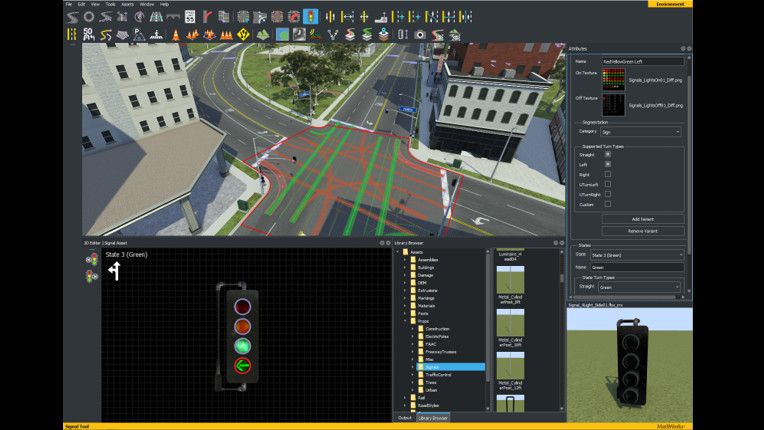
Design realistic intersections with traffic signals for simulation environments in RoadRunner. Edit signal phases and timing using the integrated signal timeline and interactive viewport controls.
GIS and SD Map Import
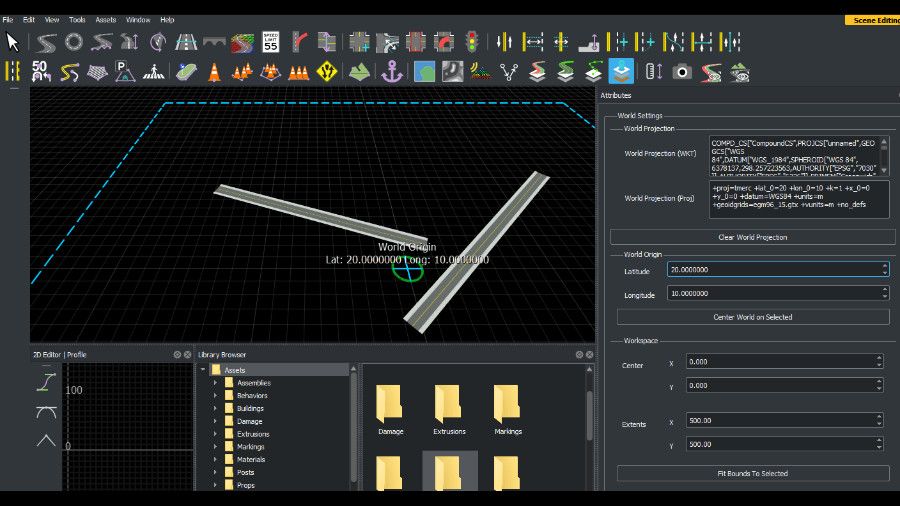
Build 3D scenes with real locations in RoadRunner by importing aerial imagery, elevation data, lidar point clouds, and roadmaps for accurate representation. SD map import supports OpenStreetMap® and Zenrin Japan Map API 3.0 (Itsumo NAVI API 3.0).
Prebuilt and Customizable Assets and Signs
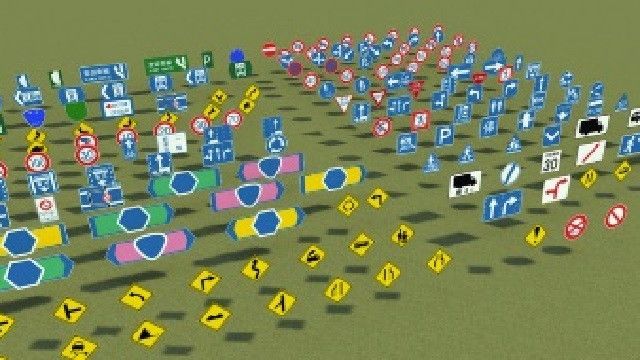
Build RoadRunner scenes using the RoadRunner Asset Library, which includes a collection of 3D models. Create and place customizable, region-specific road signs, barriers, posts, lights, and other road furniture.
Export to Simulators
RoadRunner scenes can be exported to various simulators and gaming engines, including CARLA, aiSim, Vires VTD, NVIDIA DRIVE Sim, Cognata, rFpro, Baidu Apollo, Unity, and Unreal Engine. Scenes can also be exported to industry-standard formats such as OpenDRIVE, FBX, glTF, OpenFlight, OpenSceneGraph, OBJ, and USD.
Templates and Scene Merge
Create scene asset templates from existing or selected scenes, and merge multiple scenes for editing.
Programmatic Interfaces
Import and export scenes using MATLAB functions or a gRPC® API.
OpenCRG Import, Creation, and Export
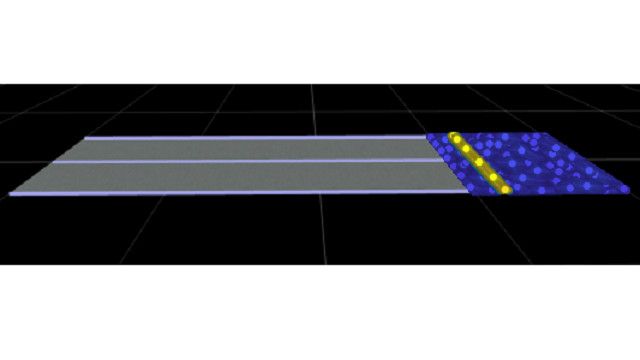
Import, visualize, and export OpenCRGs to and from OpenDRIVE. Create synthetic CRGs and add elements like noise, speed bumps, and potholes.