Simulink Desktop Real-Time

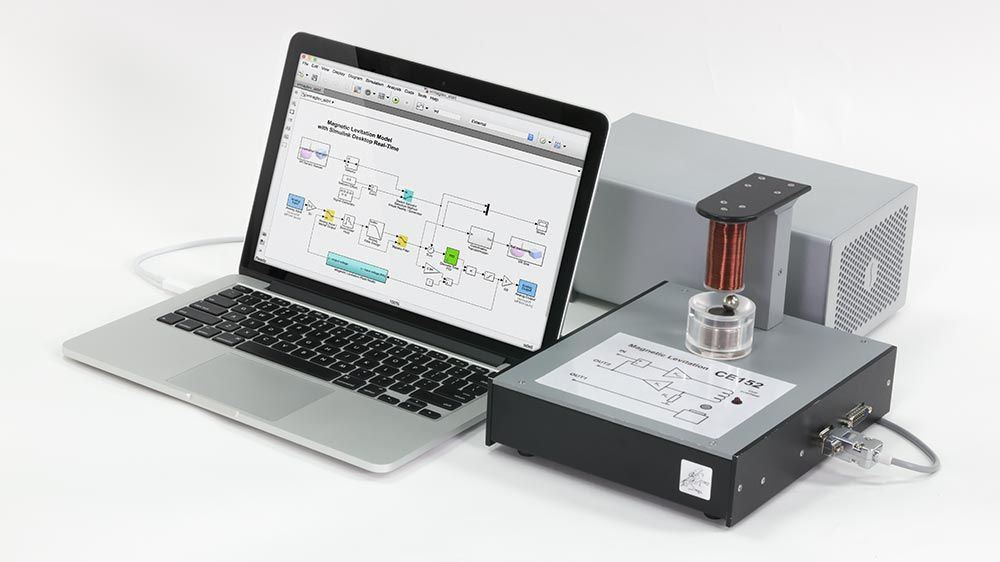
Simulink Desktop Real-Time offers a real-time kernel compatible with Windows®, Linux®, and macOS®. It features drag-and-drop Simulink I/O driver blocks that allow you to perform closed-loop control of physical systems directly from your desktop. This toolbox enables connection to sensors, actuators, and various devices, making it possible to prototype and test control systems without the need for specialized real-time testing hardware.

Simulink Desktop Real-Time is compatible with I/O hardware such as DAQ boards, CAN interfaces, and USB webcams.
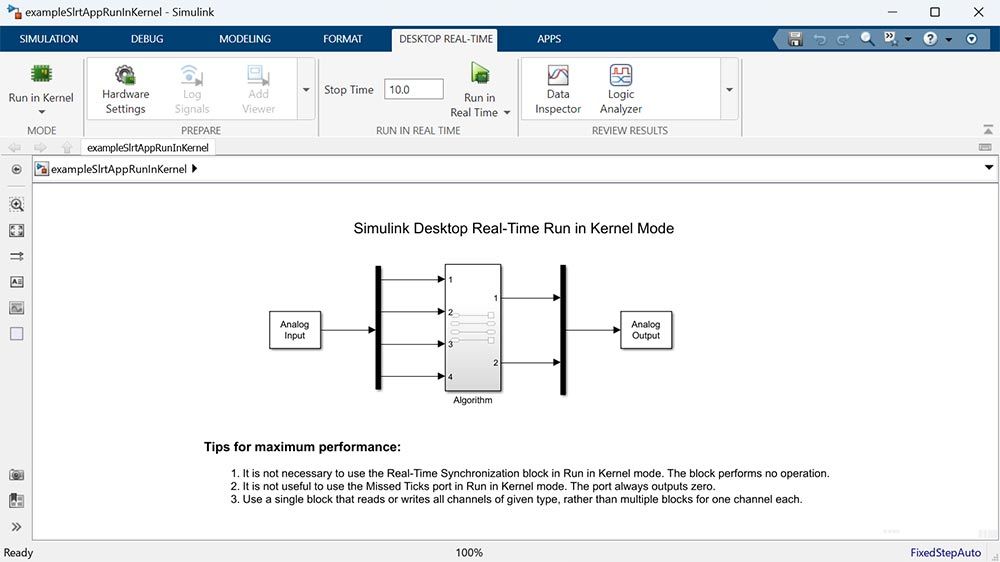
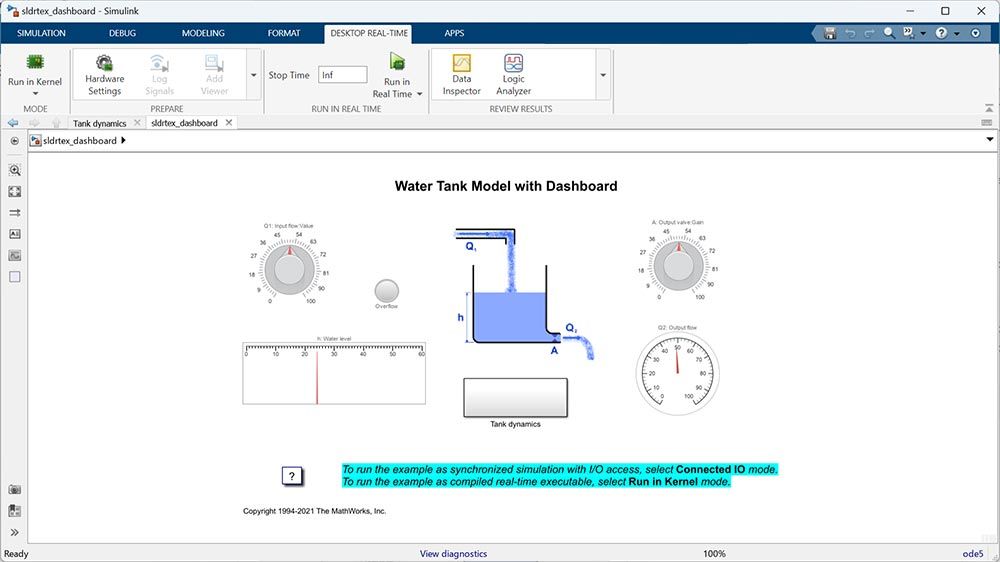
Real-Time Kernel

Use Simulink Coder to generate code from Simulink models and run real-time tests on Windows, macOS, and Linux desktop computers.

Simulink I/O Blocks

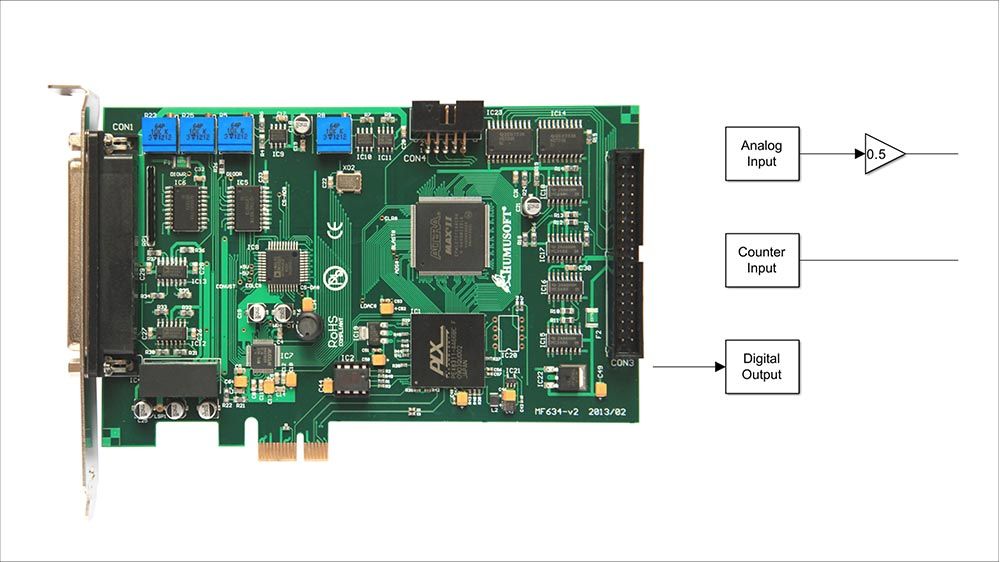
Drag-and-drop I/O blocks in your Simulink model to interface with external devices such as sensors and actuators.

Parameter Tuning

Use Simulink and Simulink Dashboard blocks to control and interact with your real-time application. Tune parameters in MATLAB and Simulink.

Signal Monitoring and Data Logging

Visualize signals using Simulink scopes and Simulation Data Inspector. Import logged data into the MATLAB workspace to analyze results.

Analog and Digital I/O Boards

Choose from a wide range of supported DAQ boards, including PCI and PCI Express boards. Configure I/O parameters in Simulink.

Ethernet and Serial Interfaces

Exchange data using UDP/IP and TCP/IP Ethernet protocols and RS-232 serial interfaces.

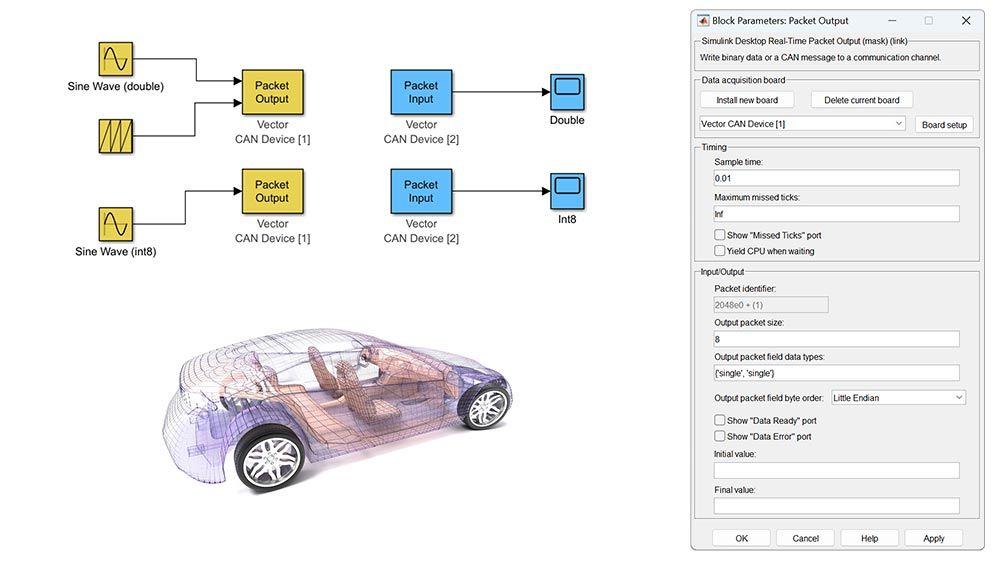
CAN Communication

Connect to CAN buses using devices from Kvaser, Vector, and PEAK-System. Configure parameters such as baud rate in Simulink.

USB Webcams and Joysticks

Connect USB webcams to access and process video data in Simulink. Connect USB joysticks and steering wheels for real-time control.

Internet of Things

Prototype and test IoT applications using the ThingSpeak service.

Scroll to Top

🌐 Select your region/language

Computational Enterprise Simulations
Privacy Overview

This website uses cookies so that we can provide you with the best user experience possible. Cookie information is stored in your browser and performs functions such as recognising you when you return to our website and helping our team to understand which sections of the website you find most interesting and useful.