Text Analytics Toolbox provides tools for preprocessing, analyzing, and modeling text data for applications like sentiment analysis and topic modeling. Process raw text from various sources, convert it into numerical features, and apply methods like LSA, LDA, and word embeddings. Combine text features with other data for machine learning models.
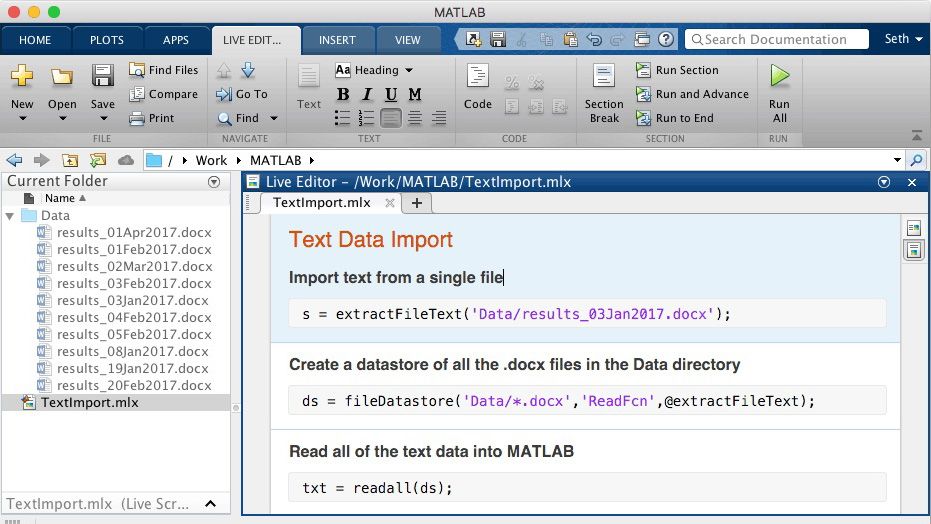
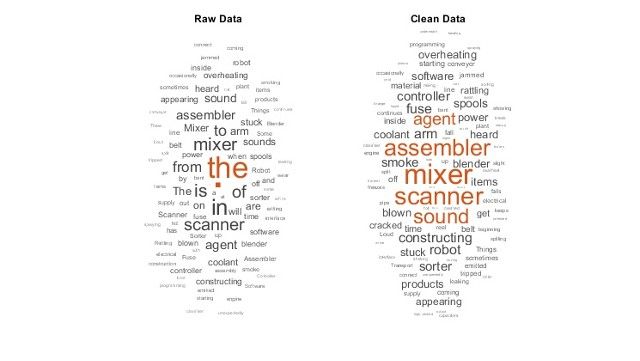
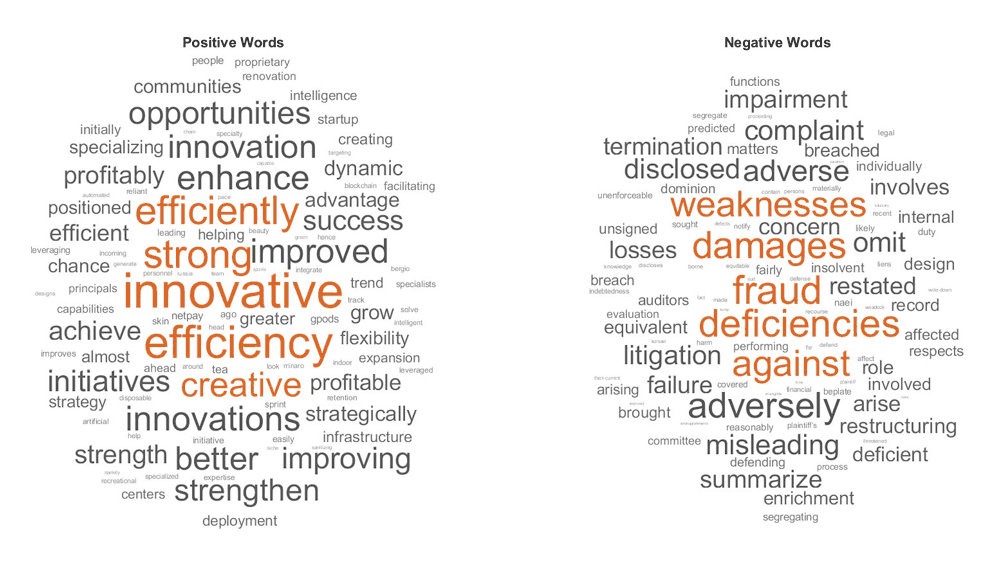
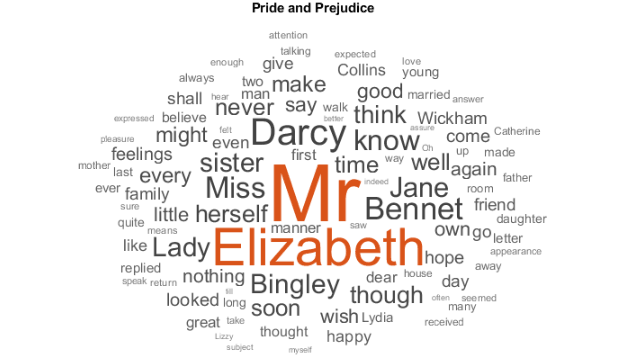
Import text data from files like PDF, HTML, and Word into MATLAB. Explore datasets visually with word clouds and text scatter plots.
Clean and Preprocess Text
Use high-level filters to remove URLs, HTML tags, and punctuation. Correct spelling, remove stop words, and normalize words to their root form.
Convert Text to Structured Format
Tokenize text, compute word frequency stats, and train word embeddings like word2vec and skip-gram for numerical representation.
Apply AI to Text Analytics
Train ML or DL models like LSA, LDA, and LSTM on text data. Use transformer models like BERT, FinBERT, and GPT-2 for transfer learning.
Large Language Models
Connect MATLAB to the OpenAI™ Chat Completions API. Leverage the natural language processing capabilities of GPT models within your MATLAB environment, for tasks such as text summarization and chatting.
Text Analytics for Engineers
Create predictive maintenance schedules using sensor and text log data. Automate requirement formalization and compliance checks.
Document Analysis
Use topic modeling to uncover and visualize patterns, trends, and relationships in text. Summarize documents, extract keywords, and assess document importance and similarity.
Sentiment Analysis
Analyze text to classify sentiment as positive, neutral, or negative, and build models for real-time sentiment prediction.
Text Generation and Classification
Use deep learning to generate text and classify descriptions using word embeddings to identify categories.